Item 1 of 1
It starts itself.
Set up Osprey Go once and every rapid charge after that begins on its own. Plug in, walk away, get on with your day.

Charging from 69p.
Charging through Osprey Go gets you the best Osprey rate. Charge from as little as 69p per kWh on our Overnight Saver Rate. Osprey Go uses your app account, so your charge starts itself and it starts on the cheaper rate.

A network you can plan around.
Over 400 locations from John o' Groats to Land's End, speeds up to 300kW, and EV Driver Recommended six years running.

How it works.
- Download the Osprey App and use it to start your next charging session. Nothing to set up yet, just charge.
- Charge at two different Osprey locations, using the Osprey App. Your vehicle shares a digital identifier when it connects. Two charges at two separate locations is enough for us to recognise compatible vehicles.
- Set up Osprey Go in the app. Confirm your vehicle and you're done. That's it.
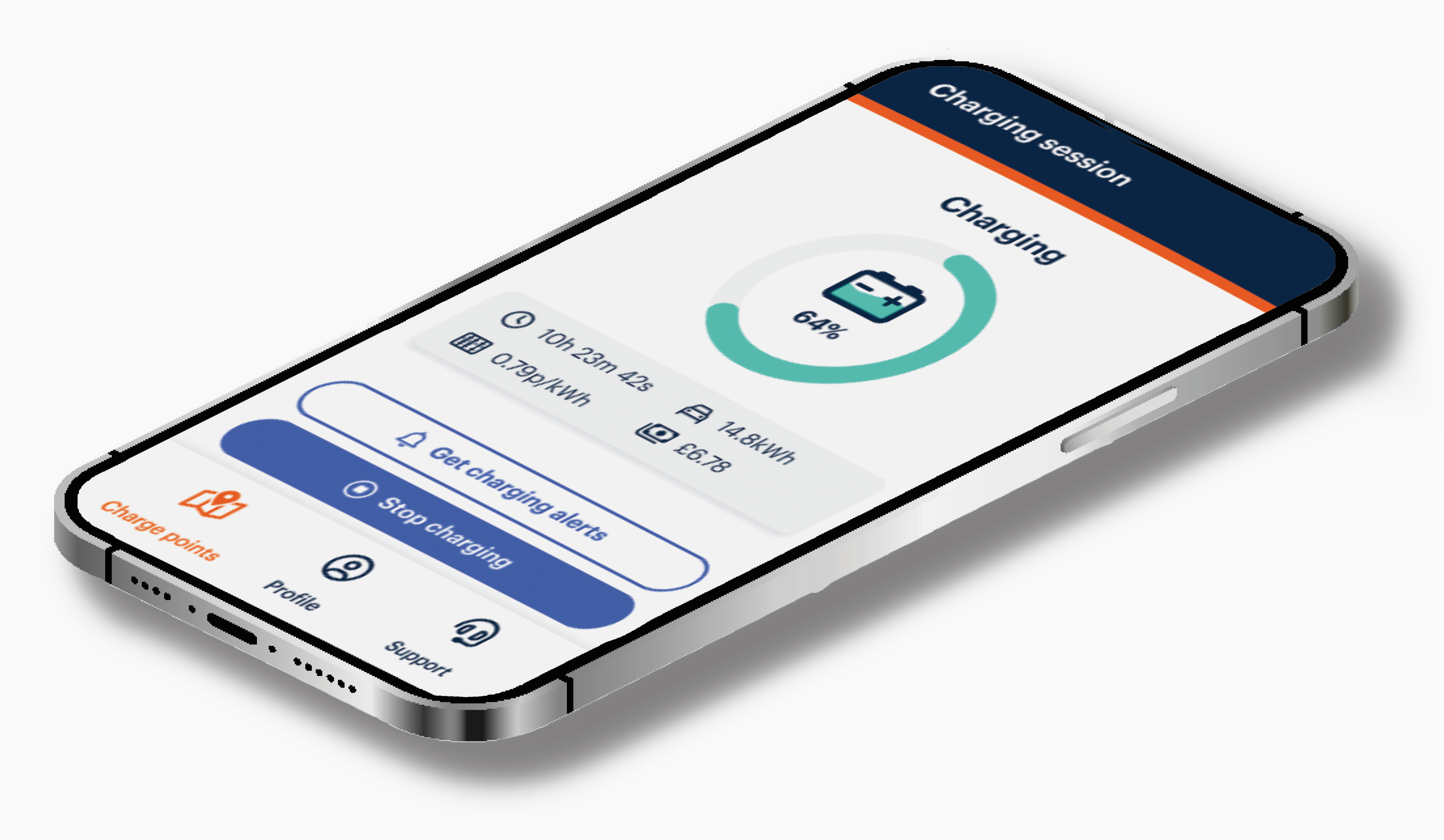
- From then on, it's as simple as plug in, go. The charge starts on its own. Payment is taken from the card on your account. You get live session tracking and a VAT receipt, exactly as before.

Plug in. Go.
Download the Osprey app, charge twice, and let your car take it from there.
Already charge with Osprey? Open the app to see whether your vehicle is ready for Osprey Go.

Frequently Asked Questions
Got questions about Osprey Go? Check out our FAQs for all the answers you need